★★★★★
I've been using the dongle for a week and it's straight up amazing. Setup is easy, I run two dongles with two Switches, and I love hunting with this.

The dongle plus the free app automatically count your shiny encounters. Works with Switch, OLED, Lite, Switch 2, iOS, and Android.

Started as a fun project — now helping thousands of shiny hunters around the globe with passion.
Sebastian · Founder
Watch this short video to understand how it works
Customer reviews
I've been using the dongle for a week and it's straight up amazing. Setup is easy, I run two dongles with two Switches, and I love hunting with this.
This thing is insanely good for shiny hunting. Would be nice to run the app in the background, but other than that 10/10!
Caught my first shiny with this without wearing out my thumb. 10/10 — would buy again.
Really great — works exactly as it should and is very easy to set up. I already have two and might buy more. Absolute recommendation for shiny hunters.
I bought two dongles after seeing LEOsMind's video. I've dreamed of controlling multiple Switches and modded 3DS consoles for shiny hunting — they work flawlessly.
Saw the dongle in a LEOsMind video and ordered right away — this thing is insane. I just bought a second one so I can shiny hunt Deoxys on FireRed and LeafGreen at the same time.
The companion app is a free download. Dongle mode works completely without in-app purchases.
We ship within the EU only. We send the package within 1–2 business days.
The dongle works with Nintendo Switch, Switch OLED, Switch Lite, and Switch 2. The free companion app runs on iOS and Android.
You can pair PS4, Xbox, Joy-Con, or Switch Pro Controllers with your phone via Bluetooth and play through the dongle.
The Dongle appears as a wired Gamepad which is connected with the free app via bluetooth. The app sends your inputs to the dongle, which acts as a controller connected to your Switch. You can then pair any Bluetooth controller with your phone or play with your phone as a gamepad only.
From there, the app counts your shiny encounters, runs macros, and applies your button mappings — for wild hunts, soft resets, and eggs without manual tapping.
1. Download Auto Shiny Counter for free on the App Store or Google Play.
2. Plug the dongle into your Nintendo Switch, Switch OLED, Switch Lite, or Switch 2. Open the app and select dongle mode.
3. Pair any Bluetooth controller with your phone — PS4, Xbox, Joy-Cons, or Switch Pro Controller.
4. The app sends your inputs to the dongle, which acts as a controller plugged into your Switch.
5. Start hunting. The app counts your resets, runs macros, and uses your button mappings.
No. It is designed for regular Switches without any modification.
No. You only need the dongle, your phone, a Bluetooth controller, and your console. No PC, capture card, or extra software required.
Yes. You can use the dongle on any console and on PC. That lets you remap buttons however you need — for example to make controls more accessible if you have a disability.
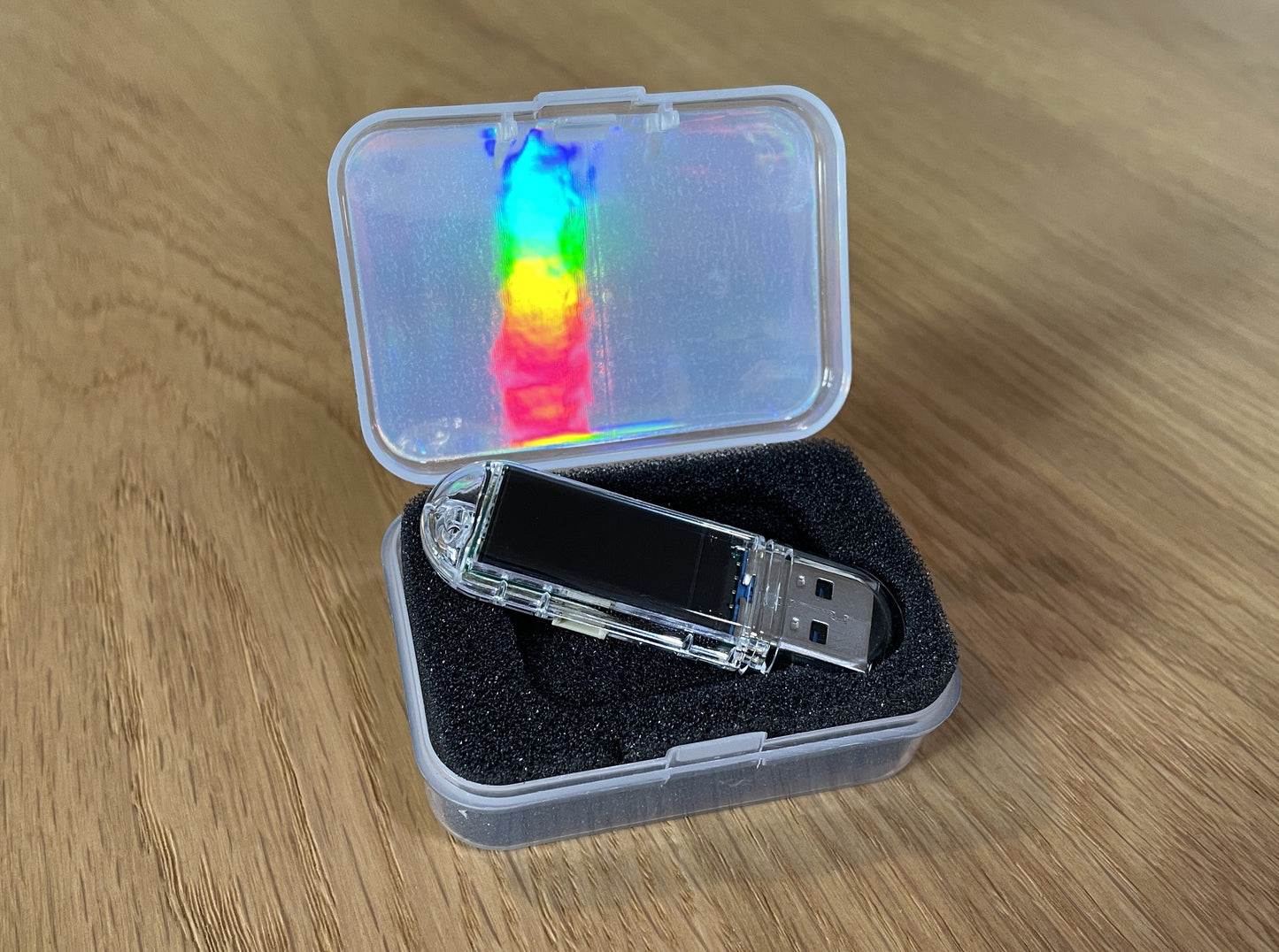
You get the Auto Shiny Counter dongle and a USB-A to USB-C adapter, ready to plug in and start.
The companion app is a free download from the App Store or Google Play. Together, the dongle and app count your hunts, forward controller inputs, and support macros and custom button mappings.
We ship within the EU only. We send the package within 1–2 business days.
Start with the five steps above — they cover download, dongle setup, controller pairing, and how inputs reach your Switch.
If you still need help after ordering, contact us through the shop and we will get you running. Setup guides are also available on autoshinycounter.com.